
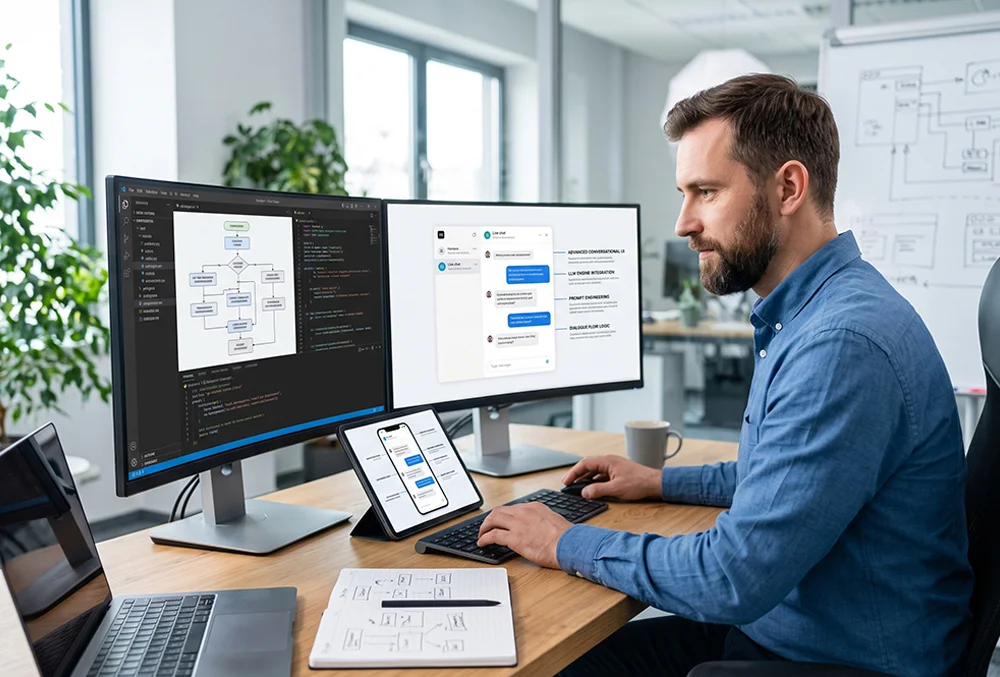
Building advanced conversational user interfaces powered by large language models transforms standard static chatbots into intelligent, context-aware digital assistants. By leveraging deep contextual memory, dynamic prompt engineering, and asynchronous API integrations, developers can deploy hyper-responsive conversational experiences that accurately understand user intent and streamline complex customer journeys.
In this comprehensive guide, you will discover the core mechanisms driving LLM conversational architecture and how to implement them effectively.
- Understanding LLM Conversational Architectures and UI Design
- Step-by-Step Workflow: Building and Deploying an Advanced Chatbot
- The Practical Impact on User Engagement and Support Automation
- Frequently Asked Questions
Understanding LLM Conversational Architectures and UI Design
Advanced conversational user interfaces rely on sophisticated prompt chains and token management systems to maintain multi-turn context without breaking session continuity. Unlike rigid rule-based bots of the past, modern LLM-driven interfaces adapt their tone, formatting, and structural responses dynamically based on real-time user inputs and historical interaction data.
- Contextual Memory Management: Maintain deep conversation history across multiple turns using vector databases and sliding window token tracking.
- Dynamic UI Component Rendering: Trigger rich interface elements—such as interactive product cards, buttons, and pricing tables—directly inside the chat flow based on model outputs.
- Asynchronous API Orchestration: Connect chatbots directly to backend services and e-commerce platforms to fetch live inventory, user profile data, and order statuses instantaneously.
Step-by-Step Workflow: Building and Deploying an Advanced Chatbot
Developing a production-grade LLM conversational interface requires a disciplined, step-by-step engineering approach to ensure low latency, precise intent recognition, and strict data security compliance.
- System Prompt & Persona Engineering: Define the core behavioral boundaries, tone rules, and domain-specific knowledge constraints using precise system instructions.
- API & Vector Database Integration: Connect your chat interface to a retrieval-augmented generation (RAG) pipeline to feed accurate proprietary documentation into model queries.
- Frontend UI Styling & Streaming: Implement real-time token streaming using Server-Sent Events (SSE) to ensure ultra-low response latency within your web application framework.
- Performance & Safety Testing: Run rigorous edge-case testing to eliminate hallucinations, filter harmful inputs, and optimize API rate limits under heavy traffic loads.
The Practical Impact on User Engagement and Support Automation
For modern web agencies and application developers, deploying intelligent conversational UI significantly elevates user retention and slashes operational support overhead. By automating complex troubleshooting and personalized guidance, applications can deliver 24/7 enterprise-grade customer assistance without inflating staffing costs.
- Instant Resolution Rates: Resolve up to 80 percent of tier-one customer support inquiries immediately through context-aware knowledge retrieval.
- Enhanced Personalization: Deliver tailored recommendations and interactive guidance directly within the chat window based on active user behavior.
- Explore how to integrate AI-driven personalization into modern e-commerce platforms.
- Read our guide on how AI is revolutionizing no-code and low-code website builders.
Frequently Asked Questions
How do LLM chatbots maintain context across long conversations?
LLM chatbots maintain long-range context by utilizing vector embeddings stored in specialized databases combined with sliding window token memory, allowing the system to reference earlier parts of the chat session accurately.
What is Retrieval-Augmented Generation (RAG) in conversational UI?
RAG is a technique where the chatbot searches an external proprietary knowledge base for relevant documents before querying the language model, ensuring the AI answers accurately using verified company data rather than generic estimates.
Can conversational UI components be embedded into existing WordPress sites?
Yes, modern web stacks allow developers to inject custom JavaScript chat widgets and API-driven shortcodes into WordPress environments, connecting seamlessly with backend LLM services.